Skip to Content
Search for:
Hydrantula
First Line Life
0
Menu
Home
Contacts
Our terms
Search for:
0
Home
Shop
Node
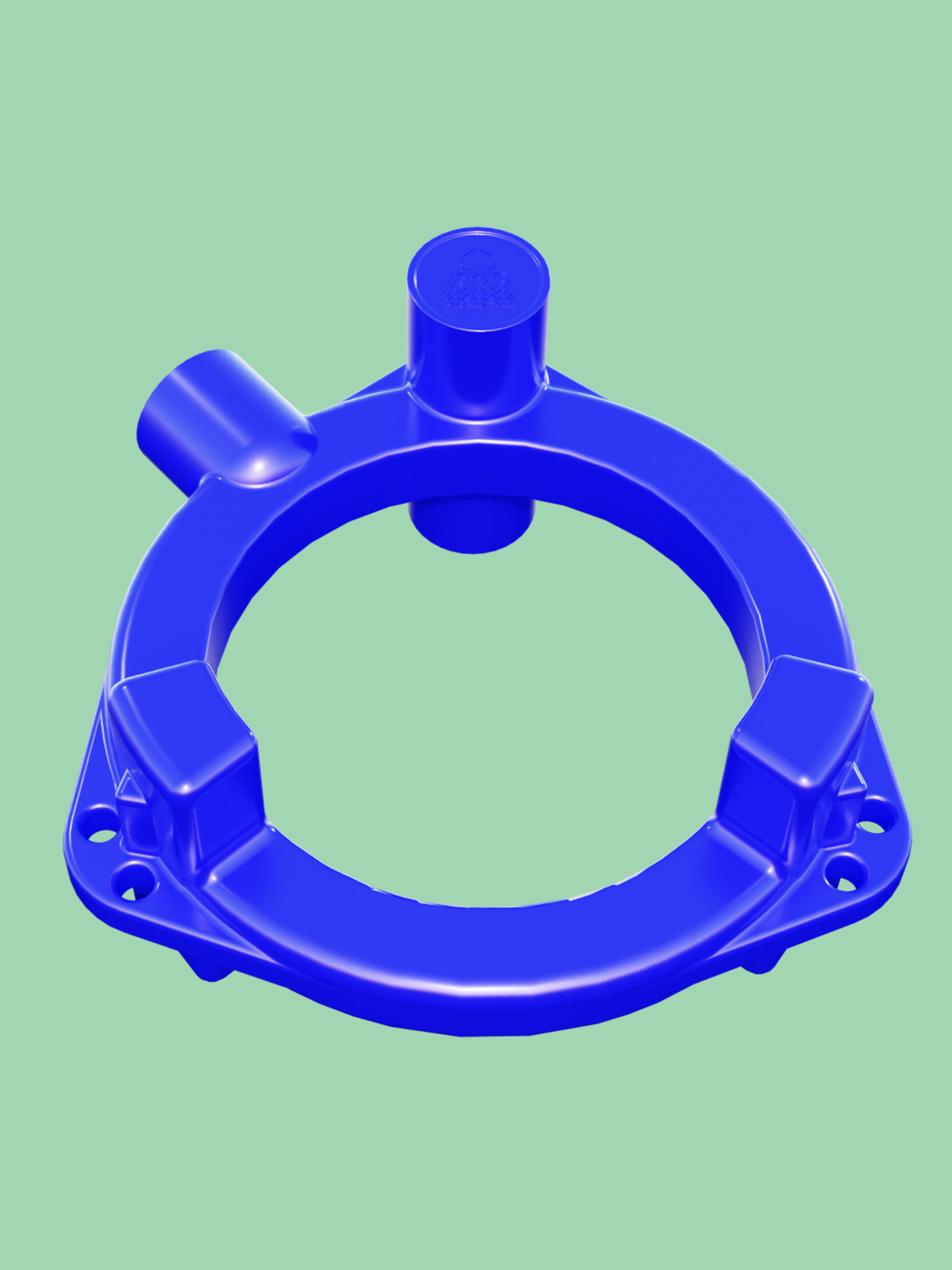
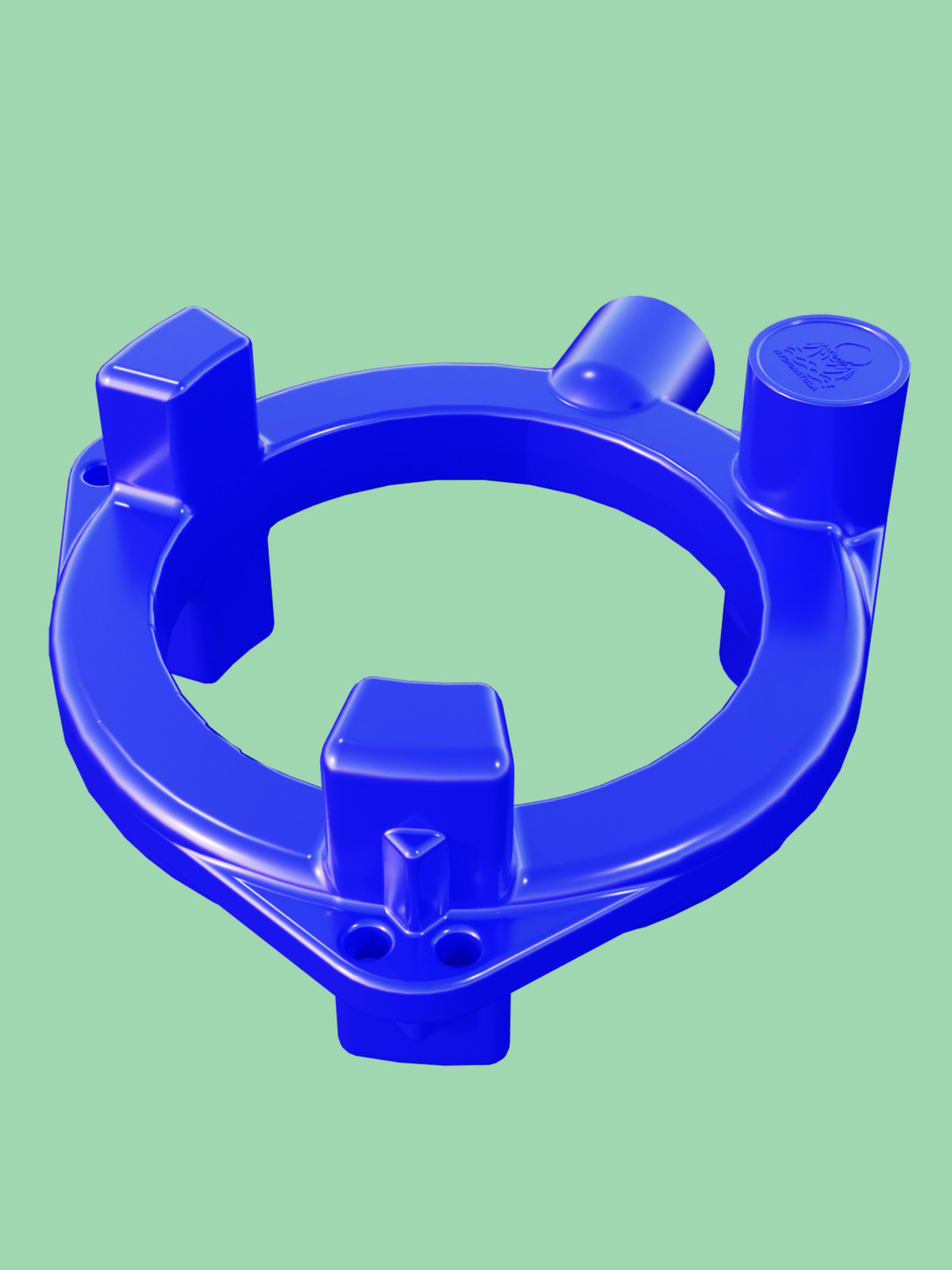
F200
F200
Category:
Node
Description
Additional information
Description
/wp-content/uploads/2026/01/F200.mp4
Controls
×
Rotate with the left mouse button.
Zoom with the scroll button.
Adjust camera position with the right mouse button.
Double-click to enter the fullscreen mode.
On mobile devices swipe to rotate.
On mobile devices pinch two fingers together or apart to adjust zoom.
On mobile devices 3 finger horizontal swipe performs panning.
On mobile devices 3 finger horizontal swipe performs panning.
Additional information
Weight
9,9 kg
Dimensions
89 × 87,3 × 40,7 cm
Part volume (l)
33,8
Related products
Y4
€
8820,00
Add to cart
A16
€
14300,00
Add to cart
X31
€
18900,00
Add to cart
L3
€
7065,00
Add to cart